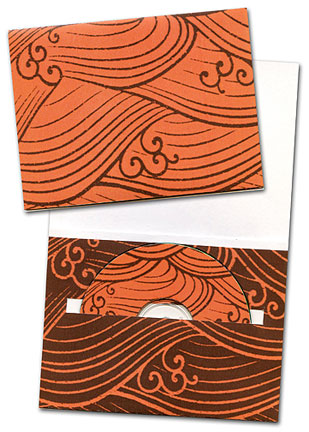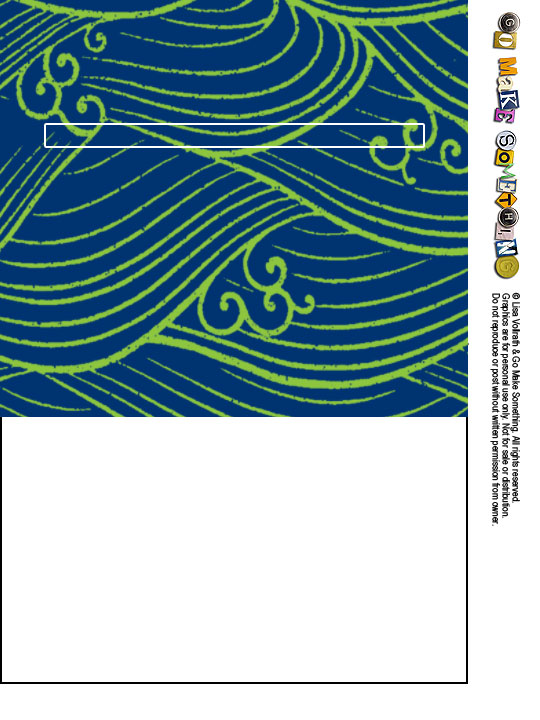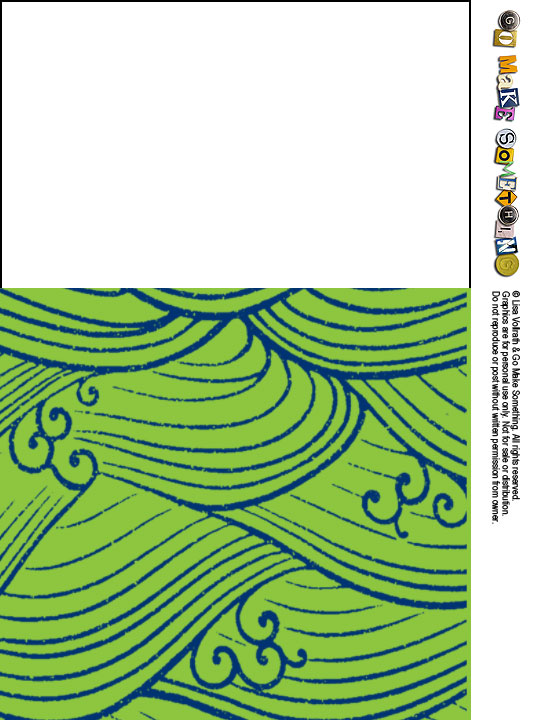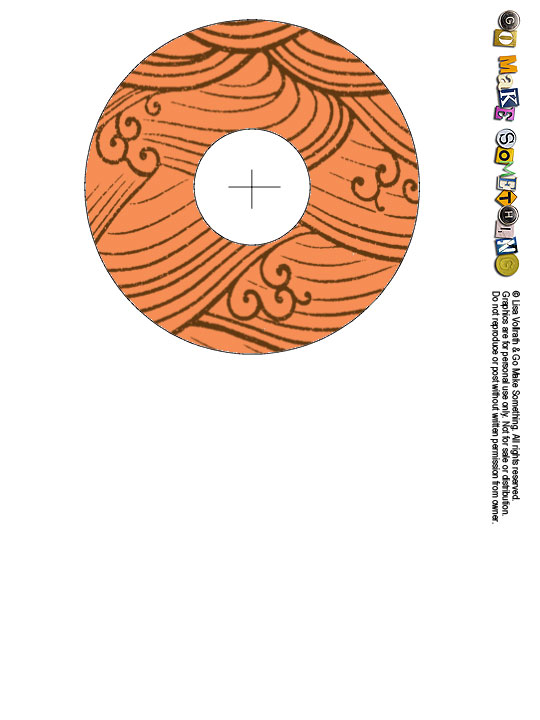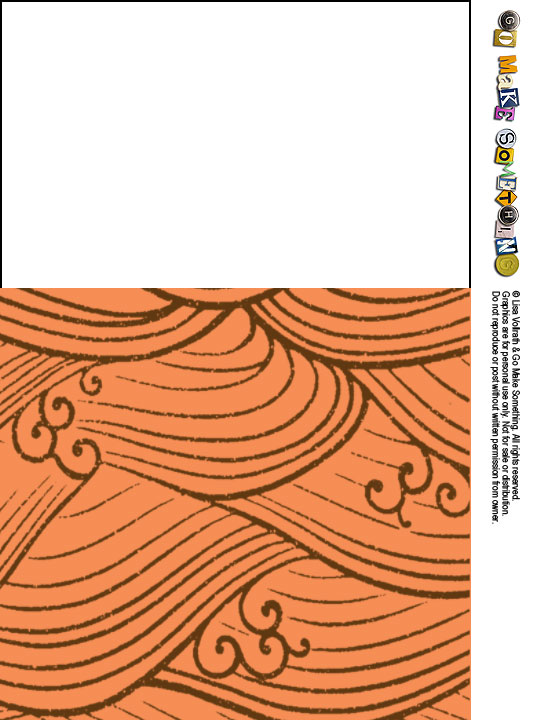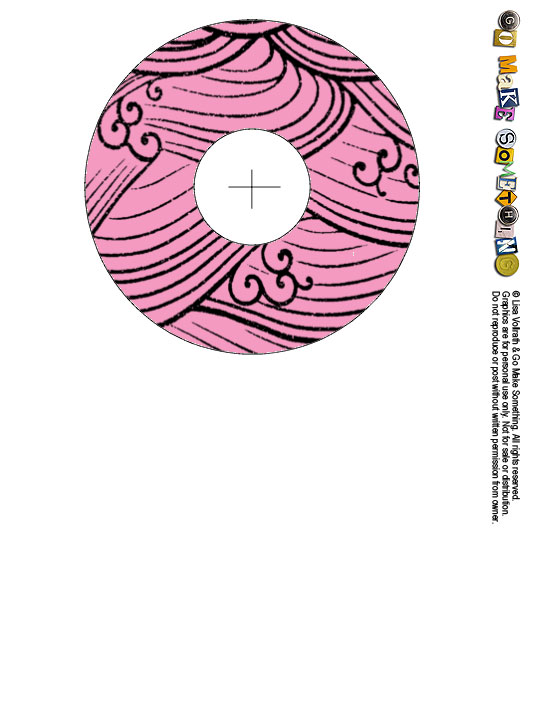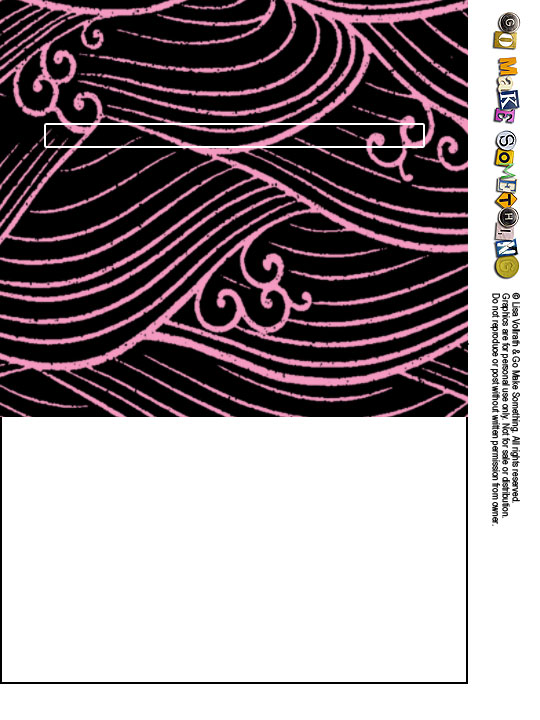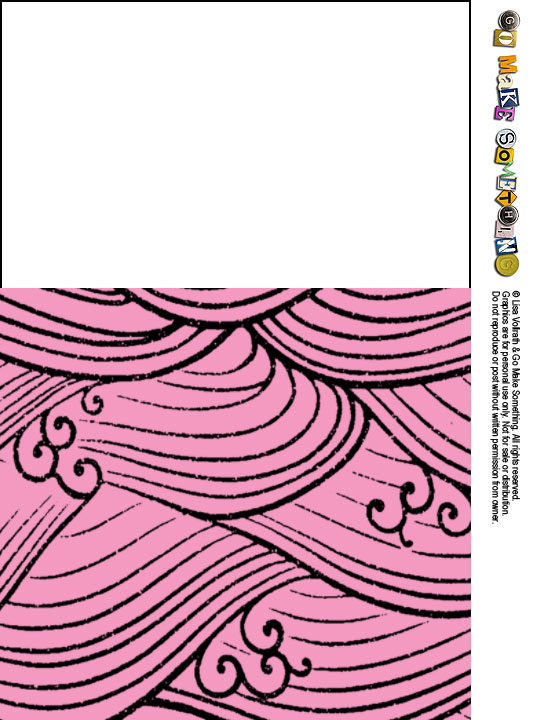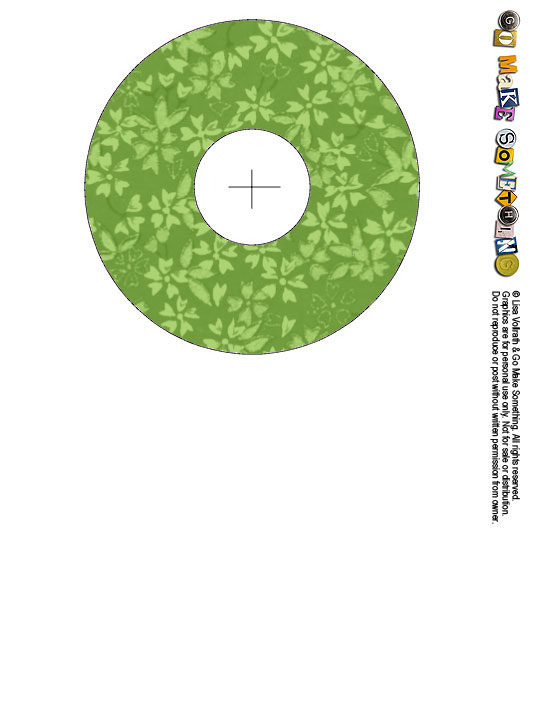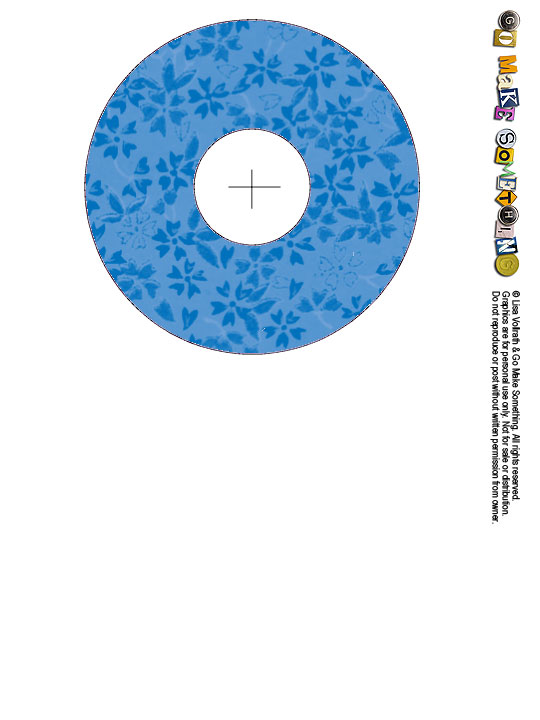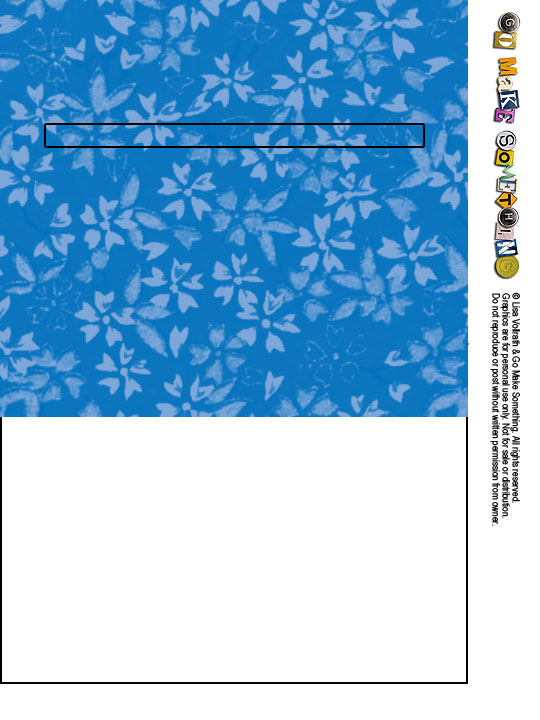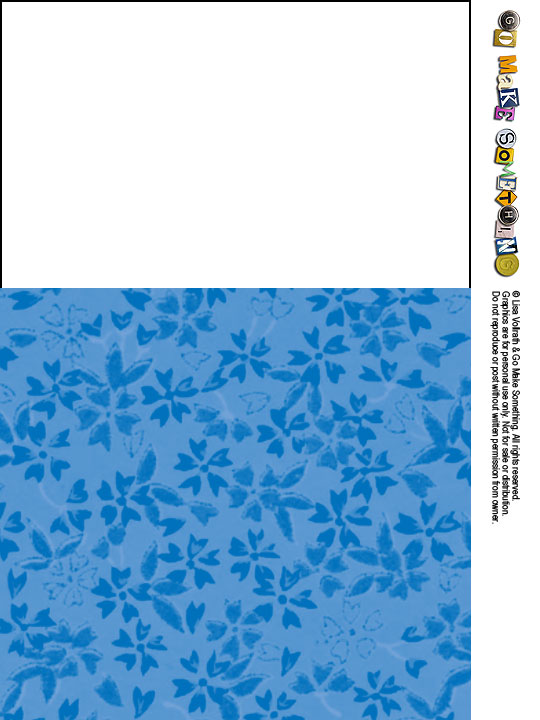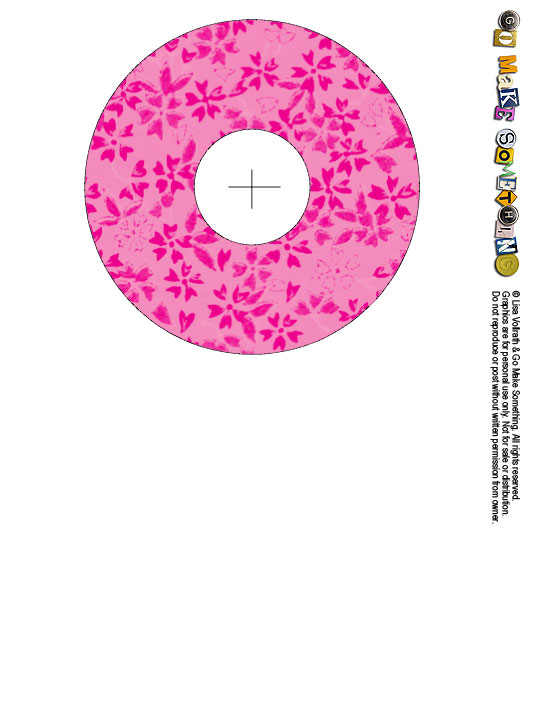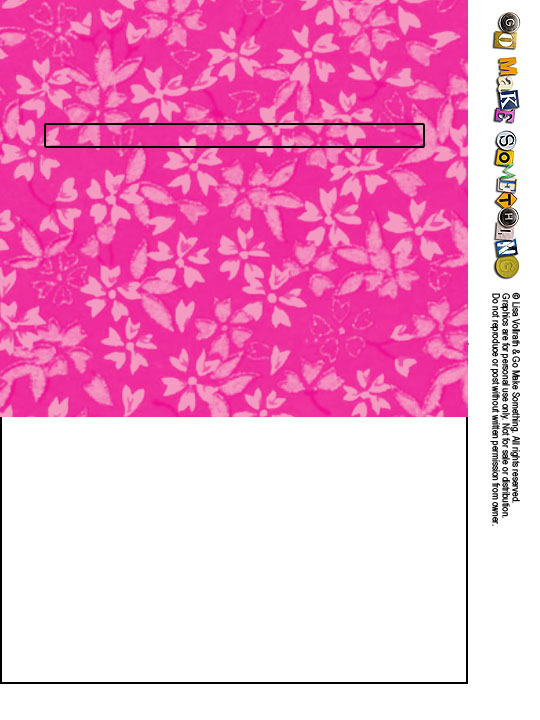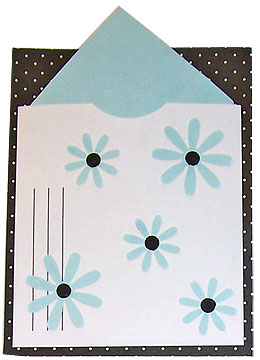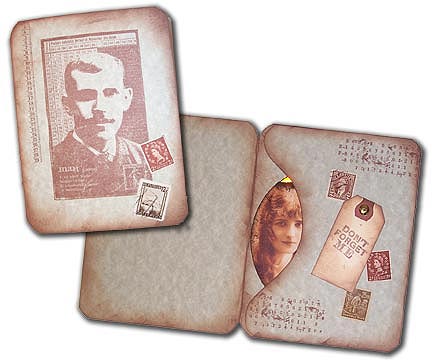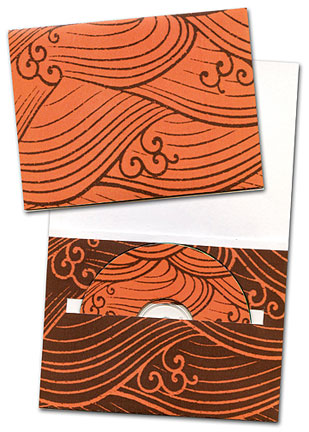
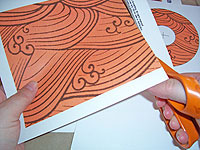
 This card uses three images: a card front, a pocket, and a CD label. Print out the card front and pocket on cardstock, and the label on plain paper or sticker paper. Cut out each piece on the solid lines.
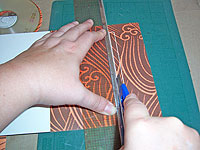 The pocket has a long rectangular slot marked on it. Use a ruler and a craft knife to remove the slot.
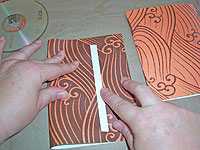 Fold the card and the pocket in half. The printed sections will wrap around to the back sides a bit—that’s OK.
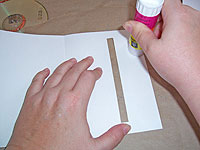 Apply glue to the inside top section of the pocket—just the top strip, and nowhere else. Press down to close the top.
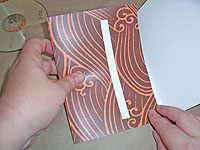 Apply glue to the back side of the pocket piece. Position it inside the card so the bottom fold of the pocket lines up with the bottom edge of the card. Press in place.
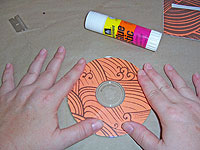 If you’ve used plain paper for the CD label, apply glue to the back side of it, and press it onto the front of the CD. Leave it alone while it dries—don’t handle it with your gluey fingers!
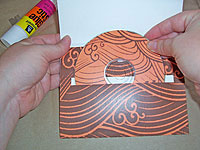 Now your card and CD are ready to decorate if you wish, or you can just tuck the CD into the card pocket and call it a day.